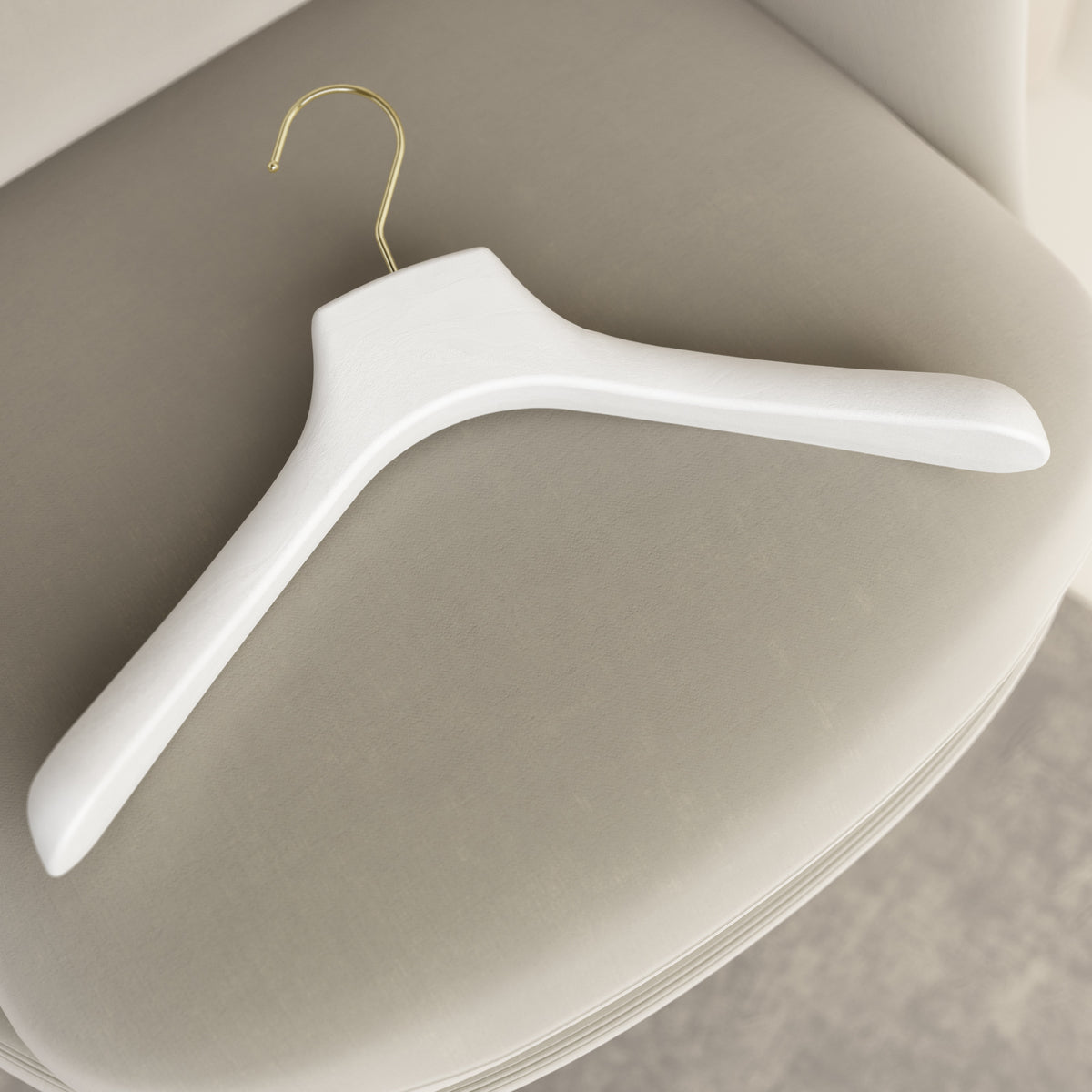
Customize your product
Choose the product, configure the available features, and add text, a logo, or an image. Customization options vary depending on the selected model and are displayed directly during configuration.
How does it work?
1. Choose and configure the product: select the model you prefer and configure the available options on the product page.
2. Customize: click the button inside the product page “CUSTOMIZE” and choose whether to add text or use your logo or an image. The button looks like this:
3. Complete the setup: follow the options shown in the configurator. If you choose to use a logo or image, upload your file and, if necessary, add any instructions in the dedicated notes field.
4. Review and add to cart: check your selections and add the customized product to your cart.
Every product, endless possibilities: you can create a more personal solution for your wardrobe or coordinate it with the identity of your business, store, boutique, showroom, hotel, restaurant, or other professional organization.
Need help?
If you have specific requirements, need large quantities, or need support choosing your customization, request a quote. Our team is available to help you find the solution that best meets your needs.